1
/
of
1
DropShip
Product Feed Daily Inventory Status File Monthly Subscription
Product Feed Daily Inventory Status File Monthly Subscription
Regular price
$ 49.99
Regular price
Sale price
$ 49.99
Unit price
/
per
Couldn't load pickup availability
Inventory Management File Specification for Dropship Partners
Overview
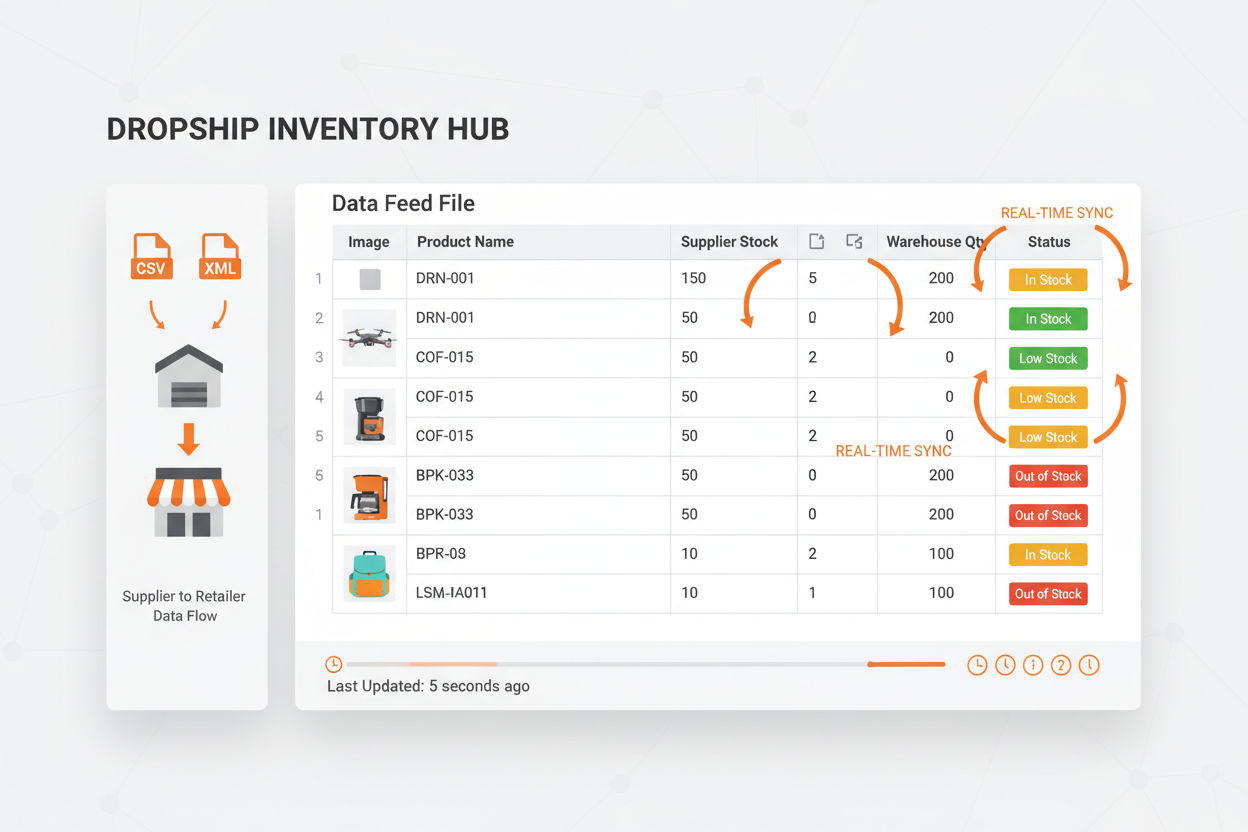
This document details the inventory management file format for daily stock updates. The inventory file provides real-time product stock details to help dropship partners manage customer expectations and avoid selling out-of-stock items.
Inventory File Fields
| Field | Description | Format/Example |
|---|---|---|
| SKU | Unique product identifier (matches Product Feed File) | ABC123-XYZ |
| Product Name | Product title as it appears in feed | Wireless Bluetooth Headphones |
| Current Stock | Available quantity for immediate shipment | 47 |
| Stock Status | Availability status | In Stock / Out of Stock |
| Reorder Point | Minimum stock level before restocking needed | 10 |
| Last Updated | Timestamp of stock count | 2026-04-10 08:30:00 UTC |
| Expected Restock | Estimated date for out-of-stock items | 2026-04-15 |
| Warehouse Location | Storage location (if multiple warehouses) | WH-MAIN-A12 |
Stock Status Values
- In Stock: Quantity > Reorder Point
- Out of Stock: Quantity = 0
Important Notes
Frequency
Inventory files are generated daily and available for download by 2:00 AM UTC each day.
Accuracy
Stock counts reflect real-time inventory levels including:
- Available for shipment
- Allocated to pending orders
- Reserved for quality control
- Damaged/returned items awaiting processing
Integration Recommendations
- Update your store's inventory levels at least once daily
- Consider implementing low-stock warnings for popular items
- Disable purchasing for out-of-stock items or show expected restock date
- Use the SKU field to match with your Product Feed File records
File Format Requirements
- Delimiter: Comma (CSV) or Tab (TSV)
- Encoding: UTF-8
- First row: Header field names (as listed above)
- Subsequent rows: Inventory data sorted by SKU
- No special characters in field names
- All fields required for each product
Usage Instructions
- Download the inventory file from your partner portal each morning
- Compare against your store's current inventory levels
- Update product availability status in your storefront
- Adjust marketing/promotions for low-stock items
- Communicate expected restock dates to customers for out-of-stock products
- Archive previous day's file for trend analysis if needed
Stock Management Best Practices
- Set up automated alerts for items reaching "Low Stock" status
- Consider safety stock calculations based on sales velocity
- Use expected restock dates to manage customer expectations
- Monitor items that frequently go out of stock for potential supply chain issues
- Coordinate with marketing team to pause promotions on low-stock/high-demand items
Support
For questions about the inventory file format or stock management assistance, contact our partner support team with your store details and specific inquiries.
Share