1
/
of
1
DropShip
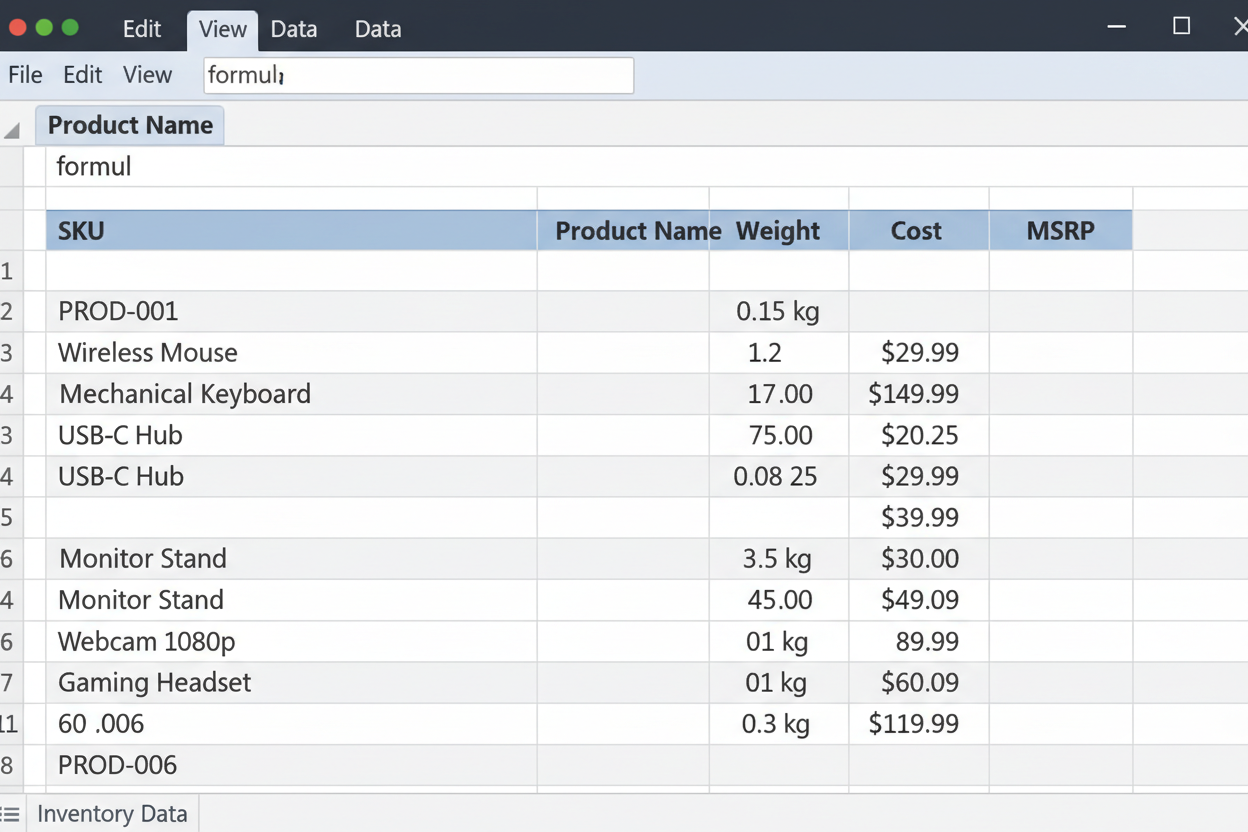
Product Feed File Full List of Our Products including Complete Title, Description, Image URLs and Product Shipping Weights
Product Feed File Full List of Our Products including Complete Title, Description, Image URLs and Product Shipping Weights
Regular price
$ 199.99
Regular price
Sale price
$ 199.99
Unit price
/
per
Couldn't load pickup availability
Product Feed File Specification for Dropship Partners
Overview
This document details the product feed file format required for our dropshipping service. The feed file contains essential product information needed to list and sell our products through your storefront.
Feed File Fields
| Field | Description | Format/Example |
|---|---|---|
| SKU | Unique product identifier | ABC123-XYZ |
| Name | Product title as it should appear | 14" Hunting Knife with Sheath...... |
| MSRP Price | Manufacturer's Suggested Retail Price | 89.99 |
| Dropship Price | Your wholesale cost for dropshipping | 55.00 |
| Weight | Item weight for shipping calculations | 32 (oz) |
| Product Category | Name of Category | Hunting Knife |
| Product Description | Detailed product description (HTML or plain text) | Html Product Description. |
Important Notes
Shipping Charges
Shipping costs are not included in the dropship price. Charges are calculated separately based on:
- Item weight (from feed file)
- Customer-selected shipping method at checkout
Available Shipping Options
- USPS Ground Advantage (standard)
- UPS Ground or FedEx Home Delivery (expedited)
- Options presented during checkout process
Label Service
For customers who prefer us to handle shipping label creation:
- Customers can email labels directly to us
- We will apply labels and ship goods for their dropship orders
- This service must be arranged prior to order fulfillment
File Format Requirements
- Delimiter: Comma (CSV) or Tab (TSV)
- Encoding: UTF-8
- First row: Header field names (as listed above)
- Subsequent rows: Product data
- No special characters in field names
- All fields required for each product
Usage Instructions
- Download the feed file from your partner portal
- Import into your store's product management system
- Map fields to your platform's corresponding attributes
- Update regularly (we recommend daily) for price/inventory changes
- Test orders before full launch to verify pricing and shipping calculations
Support
For questions about the feed file format or integration assistance, contact our partner support team with your store details and specific inquiries.
Share